Introduction
This error indicates that the agent has been installed on the workstation already and was already registered, the likely cause is the remaining registry keys on the machine.
Error
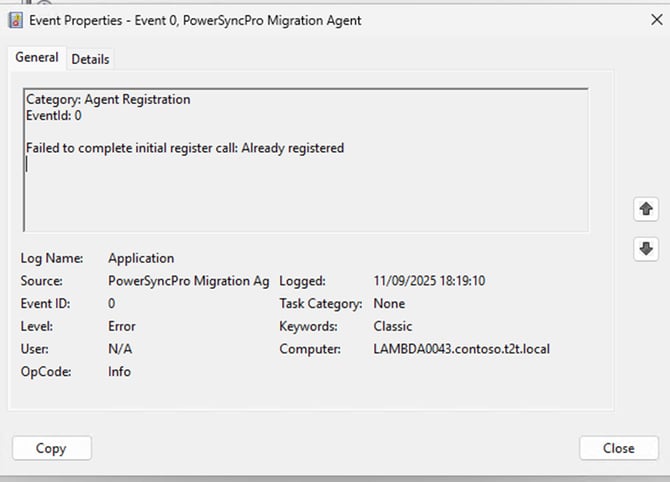
Failed to complete initial register call: Already registered
Cause
- This means that the Agent has been installed on the Workstation already and registered to the PSP Database.
- Most likely scenario is that the Agent has been uninstalled from the Workstation, and the Declaration Software Registry keys have not been deleted.
Resolution
-
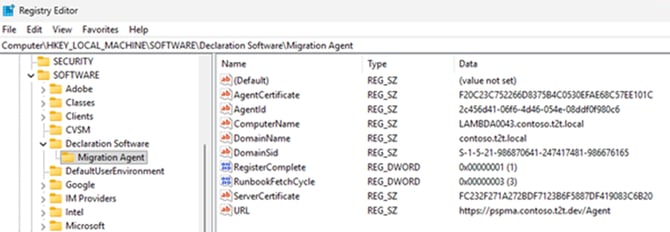
Uninstall the Migration Agent from the workstation and navigate to the following path in the registry editor: Computer\HKEY_LOCAL_MACHINE\SOFTWARE\Declaration Software\Migration Agent
-
Delete the Migration agent folder with the registry keys
-
If you see “Already Registered” in the event logs that you will need to DELETE the agent from the PSP console and then attempt to register.

-
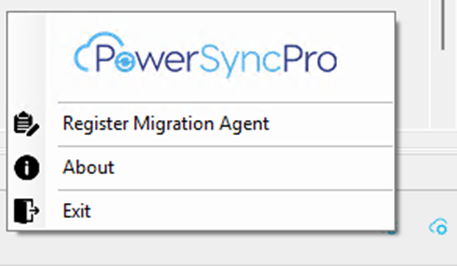
Then reinstall the agent on the workstation, navigate to the Migration Agent tray app right click and select “Register Migration Agent”